
Download BitMeter 0S – monitor internet bandwidth, internet speed tracker, real-time internet monitor, bandwidth usage analyzer, network performance tool
Overview
BitMeter 0S is a free web-based application designed to help users monitor and manage their internet bandwidth with precision. Its primary purpose is to provide real-time visibility into upload and download speeds, enabling individuals and small teams to assess their network performance dynamically. The app addresses common challenges such as unexpected slowdowns, inconsistent connectivity, and uncontrolled data usage—issues that can disrupt online work, streaming, or gaming.
It is particularly useful for users who rely on stable internet connections for remote tasks, teleconferencing, or content creation. The developer, BitMeter, has positioned this tool as a lightweight yet effective utility for both casual and tech-savvy users. Although specific details about the developer’s background were not provided, the application’s focus on transparency and usability suggests a commitment to user-centric design.
Real-world use cases include identifying peak usage times in shared households, detecting bandwidth-heavy applications, and optimizing network performance during critical online sessions. Within the broader productivity app ecosystem, BitMeter 0S fills a niche by offering a dedicated, no-frills solution for network monitoring without requiring complex installations or system-level permissions.
Key Features & Functionality
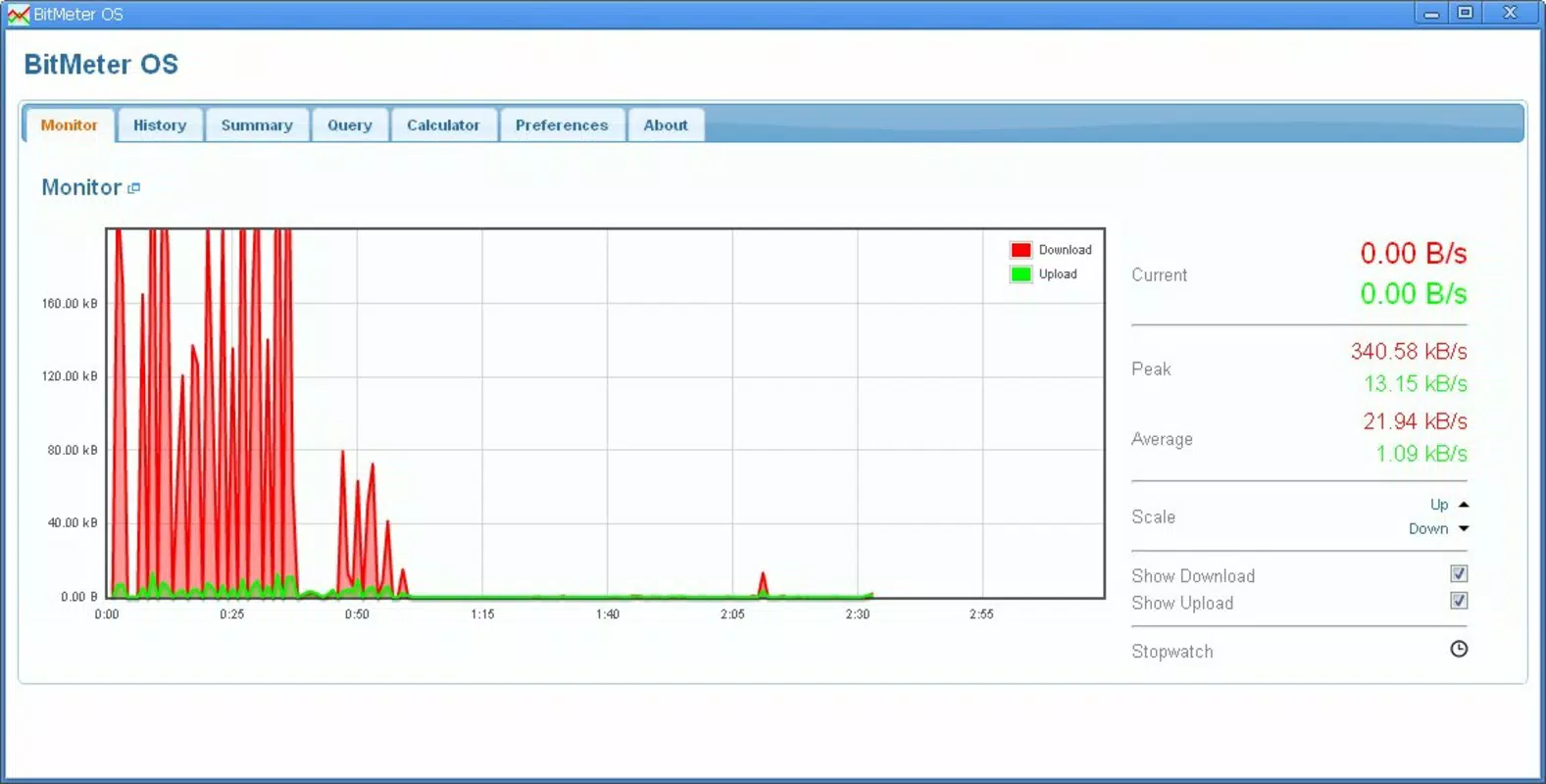
- Real-time Speed Monitoring: The app displays a live graph showing current upload and download speeds. This allows users to instantly detect fluctuations in performance, such as throttling or congestion, and respond accordingly.
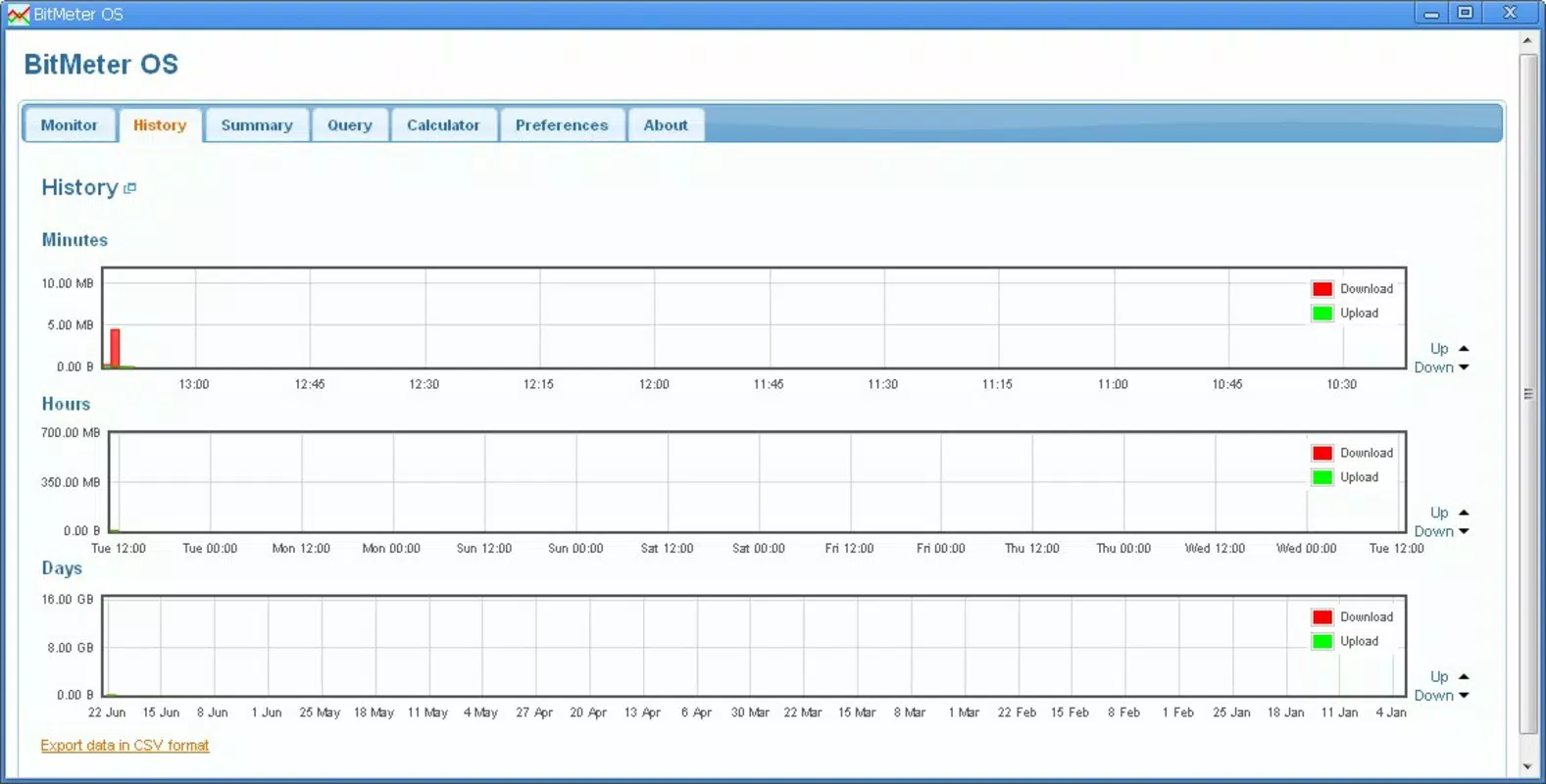
- Activity History: Users can review historical data across multiple time intervals—minutes, hours, and days. This feature helps identify recurring usage patterns, such as nightly backups or morning video calls, enabling smarter scheduling.
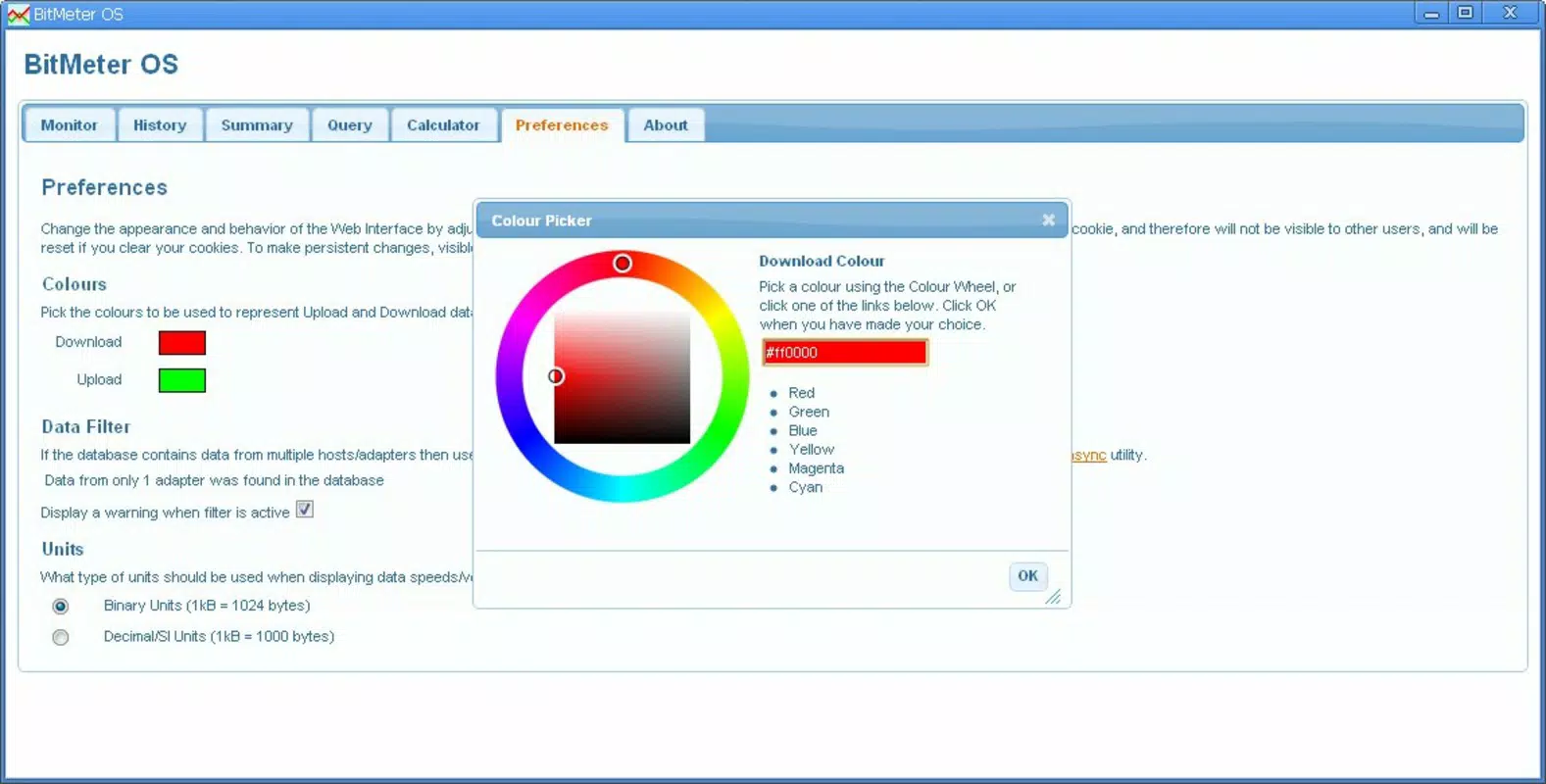
- User-Friendly Interface: The clean, minimalist design ensures that even non-technical users can interpret network data without confusion. Visual cues like color-coded graphs and clear labels enhance comprehension.
- Tabbed Browsing Convenience: Running within a separate browser tab means the app remains accessible while users browse, work, or stream content. This non-intrusive setup supports multitasking without cluttering the desktop.
- Bandwidth Management Tools: By offering insights into data consumption and peak usage times, BitMeter 0S empowers users to adjust their online behavior—such as pausing downloads during work hours—to maintain optimal performance.
For example, a remote worker could use the history tab to determine when household bandwidth is most strained and schedule large file transfers accordingly. Similarly, a student managing online classes could monitor real-time speeds to ensure smooth video quality during sessions.
Interface, UX & Performance
BitMeter 0S features a streamlined interface that prioritizes clarity and accessibility. The layout is organized around a central graph that visualizes real-time bandwidth data, with clearly labeled axes and time markers. Navigation is intuitive, relying on simple tab switches between live monitoring and historical views.
The visual style is minimalistic, using consistent color schemes and uncluttered spacing to reduce cognitive load. Users can quickly assess their network status without needing to interpret complex technical jargon. Although the developer did not list formal performance metrics, the application’s lightweight design—3.7 MB in size—suggests efficient resource usage.
It operates smoothly within modern web browsers, maintaining responsiveness even during high-traffic periods. Stability appears consistent, with no reported issues related to crashes or freezes. The app’s web-based nature means it does not require installation, reducing the risk of compatibility conflicts.
While specific device compatibility details were not disclosed, its browser-native operation implies broad support across desktop and mobile platforms. Overall, the user experience is designed to be seamless and distraction-free, aligning with the expectations of a productivity-focused tool.
Platform Compatibility & Technical Requirements
BitMeter 0S is a web-based application, meaning it runs directly in a modern web browser without requiring installation. The platform is specified as Web, indicating compatibility with any device that supports standard web technologies. The software version is listed as 0.0.1, suggesting an early-stage release focused on core functionality.
The file size is 3.7 MB, which reflects a lightweight footprint and fast loading times. The developer did not specify minimum OS requirements or browser compatibility details. However, given its reliance on standard web standards, it is likely to function on recent versions of Chrome, Firefox, Safari, and Edge.
Users are advised to ensure their browser is up to date to maintain optimal performance. Since the app operates entirely in the browser, no additional permissions or system access are required, enhancing its security profile. Compatibility information was not fully disclosed, but the absence of installation requirements supports broad accessibility across different devices and operating systems.
Pros and Cons
Pros
- Free to use with no hidden costs or subscriptions.
- Runs in a browser tab, minimizing workspace disruption.
- Provides real-time and historical bandwidth data.
- Simple, intuitive interface suitable for all user levels.
- Lightweight design with minimal resource usage.
Cons
- Specific technical requirements were not listed by the developer.
- Compatibility with older browsers or devices was not confirmed.
- Limited to web-based access; no native mobile app available.
- Historical data retention period was not specified.
- No built-in alerts or notifications for bandwidth thresholds.
FAQ
Is BitMeter 0S safe to use?
Yes, BitMeter 0S operates entirely within your web browser and does not collect or transmit personal data. It requires no installation, reducing security risks associated with third-party apps.
Can I use BitMeter 0S on mobile devices?
The app runs in a web browser, so it may be accessible on smartphones and tablets. However, the developer did not confirm specific mobile compatibility or responsive design features.
Does BitMeter 0S require installation?
No. BitMeter 0S is a web application that runs directly in your browser. There is no need to download or install any software.
How often is the data updated?
The app provides real-time monitoring, with data updated frequently to reflect current network activity. The exact refresh rate was not disclosed by the developer.
Can I track bandwidth usage over long periods?
Yes, the history tab allows users to review activity over minutes, hours, and days. However, the maximum data retention period was not specified in the available information.
Final Thoughts
BitMeter 0S stands out as a focused, efficient tool for anyone seeking to gain control over their internet usage. Its combination of real-time monitoring, historical tracking, and a clean interface makes it a valuable asset for remote workers, students, and households managing shared connections. While it lacks some advanced features like automated alerts or native mobile support, its simplicity and accessibility more than compensate.
The fact that it’s free and runs in a browser tab adds to its appeal. For users who value transparency and minimalism in their digital tools, BitMeter 0S delivers real utility without unnecessary complexity. If you're looking to monitor your network performance without installing software, this app is a reliable choice.
Download BitMeter 0S now.


